Mac · iPhone · Apple ID Security
Apple help without the runaround.
Macs, iPhones, passwords, photos — set up right, running clean, and kept secure.
A real, local Apple person — not a Windows tech guessing his way around your Mac. I keep your Macs, iPhone, Apple ID, passwords, and photos in good shape. Honest, patient, and twenty minutes away — no hour-long drive to the San Antonio Apple Store.
I've been an Apple guy since the Macintosh Classic— grade school, San Antonio, early '90s. This isn't a service I bolted on to look modern. It's the computers I've actually loved my whole life.
What I handle for Apple folks
Your Apple ID locked down the right way — two-factor on, recovery set up, and iCloud Keychain doing the remembering so every login is strong and you're not reusing one password everywhere. Passkeys where they make sense.
The fake "your Apple ID is locked" texts, the "iCloud payment failed" emails, the calls that aren't really Apple. I'll show you how to spot them, clean up anything that got through, and turn on Stolen Device Protection so a lost phone isn't a lost life.
Slow Macs, startup trouble, storage full to the brim, the endless spinning beachball. I get it running clean and quick again — or tell you straight if it isn't worth it.
Moving from an old Mac — or a Windows PC — to a new one, with every file, photo, and email carried over intact, and set up secure from the first login.
Setup, backups, Find My, updates, and getting your phone and your Mac actually talking to each other — patiently, in plain English.
Decades of irreplaceable photos, organized, safe, and backed up in more than one place. If it can't be replaced, it gets treated that way.
Start with the keyring
Your Apple ID is the master key to your whole life.
Photos, messages, payments, Find My, everything you've ever bought — it all sits behind one Apple ID. Get that single login strong and protected and you've locked the front door to all of it. Most people never set it up right; it takes one visit and about twenty minutes, and you'll never have to think about it again.
Local and actually an Apple person
You shouldn't have to choose between "knows Apple" and "is nearby."
Most techs out here are Windows folks who tolerate Macs. I'm the one who actually likes them and knows them cold — the same care for an iPhone or an iMac as a work laptop. Out here, going local isn't the budget option. It's the one where your Apple gear gets a genuine expert who's a short drive away, not a stranger in a mall an hour off.
What that looks like
The Apple stack, in real life.
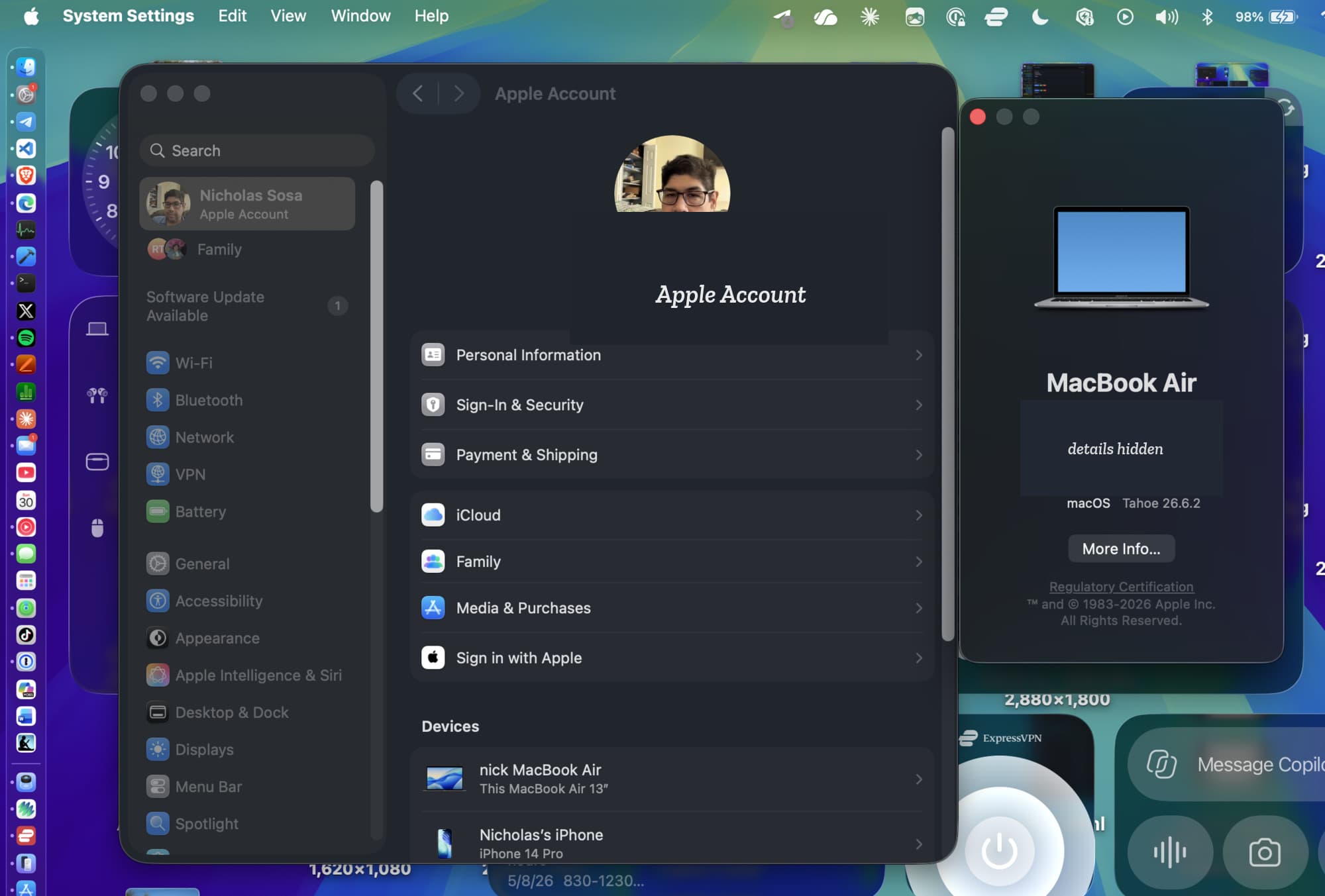
Apple ID & device security
The boring screen where the important stuff lives: account recovery, Sign-In & Security, iCloud, devices, and the Mac itself.
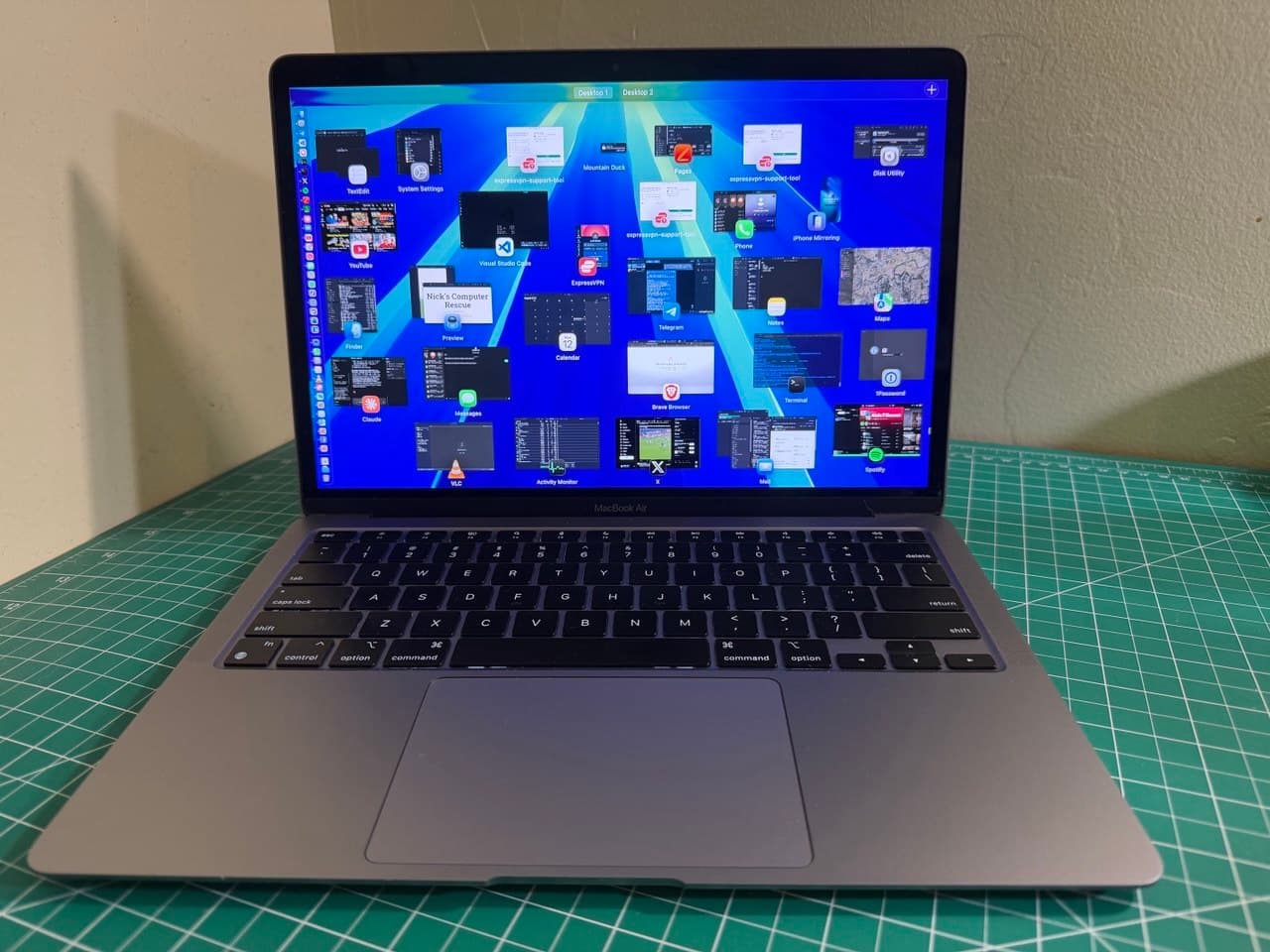
The working Mac
My own M1 Air, still running the whole business from the road.
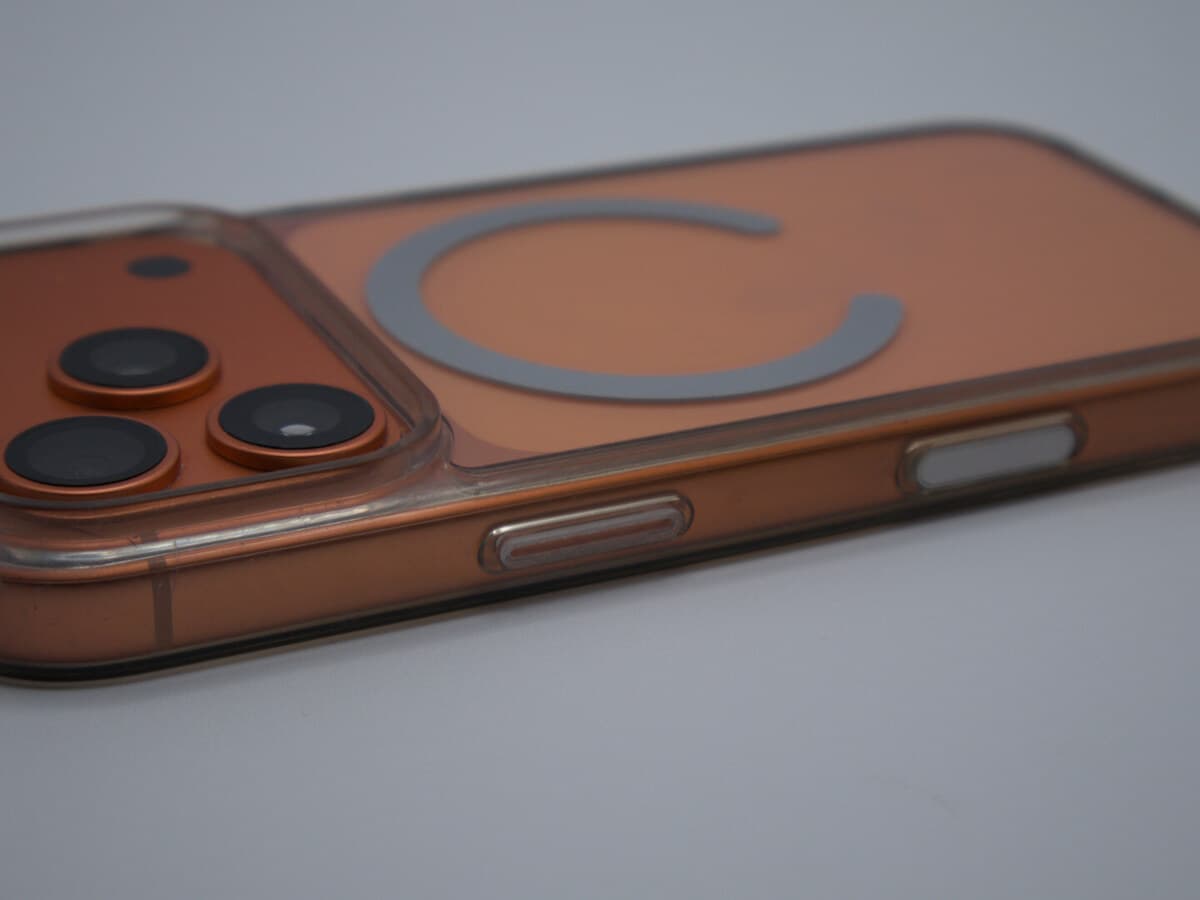
iPhone, backed up
Your iPhone is probably the device you touch most. I make sure it is backed up, protected, and talking to the rest of your Apple gear.
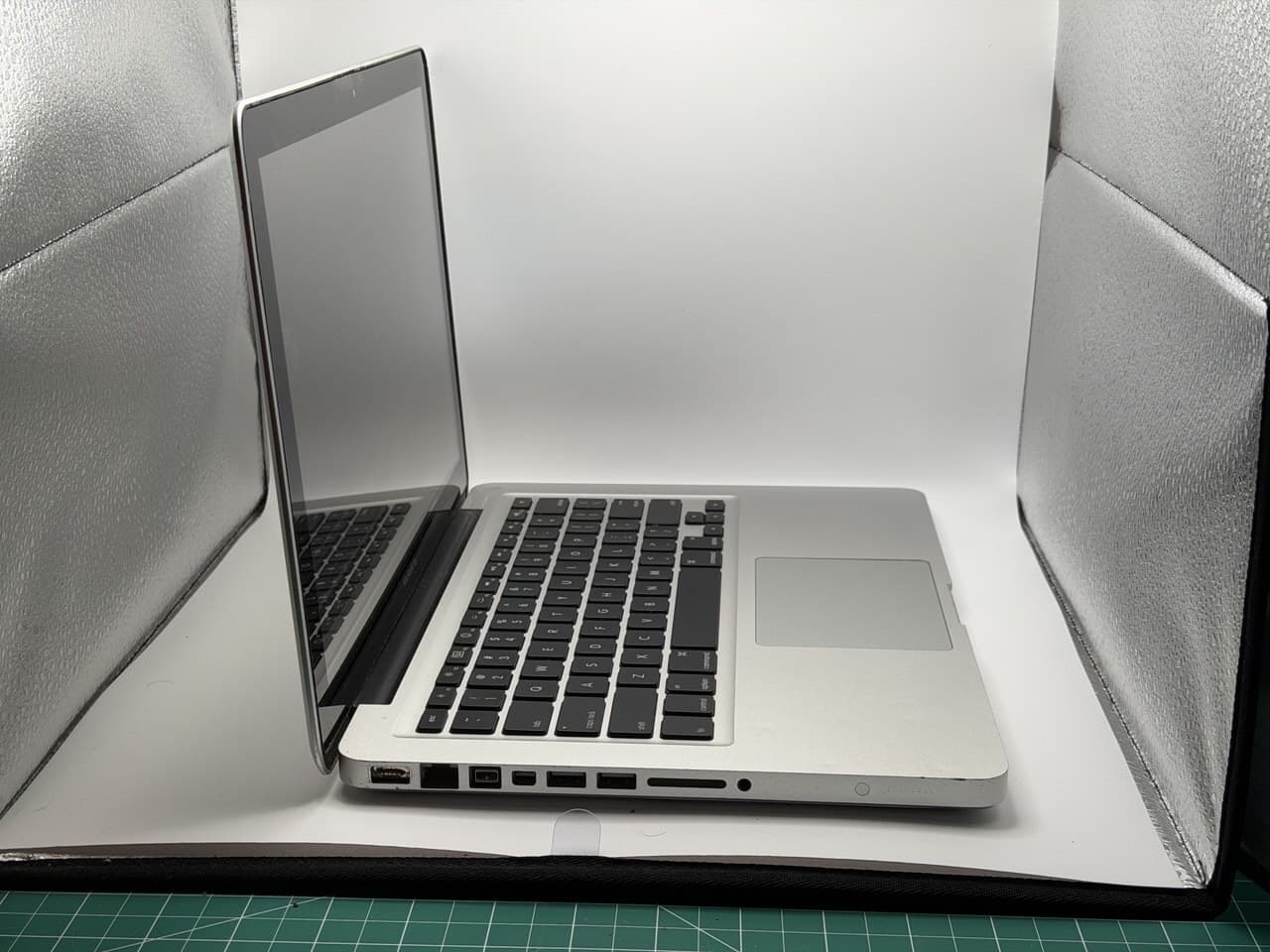
Old Macs too
A 2010 unibody MacBook Pro, still useful enough to diagnose. New or old, I know what is worth saving and what is not.
Apple tips
What I actually tell people.
Passwords, passkeys, Stolen Device Protection, AppleCare, Mac minis, and when you actually need a new iPhone.
If you do one thing, do this. It's the difference between a stolen password being a nuisance and being a disaster.
It's free, built into every Apple device, and it'll generate and remember strong passwords so you don't have to. Stop reusing the same one everywhere.
No password to steal, no code to fumble — just Face ID. It's where logins are headed, and Apple does it well.
One iPhone setting that stops a thief who watched you type your passcode from taking over your whole account. Almost nobody has it on.
Not by text, not by a surprise call. If it's out of the blue and they want a code or a login, it's a scam. When in doubt, hand me the phone.
If you don't need a laptop, it's the best-value computer Apple makes — and it's not close. Quiet, fast, lasts for years.
I know it feels like an upsell. It pays for itself the first time a screen meets a floor.
You just don't. Every few years is plenty — keep the money.
Your gear — and the irreplaceable stuff on it — gets handled like it can't be replaced, because usually it can't. Here's exactly how I work in your home →
Got an Apple problem? Let's get it sorted.
Mac, iPhone, or iPad — call or drop a line and tell me what's going on. Straight answers, fair prices, no jargon.