Your computer. Your business. Now supporting Linux in the Hill Country.

Tux by Larry Ewing, made with The GIMP
A computer that works for you, not for Microsoft or Apple. Linux gives your computer a second life: free, private, and set up to look and work like what you're used to. I'll help you choose the right version, bring your files and printer along, and stay a phone call away.
The short version
What is Linux?
The software that runs your computer, like Windows or macOS, only free. It's been around since 1991 and already runs most of the internet and every Android phone. It comes in ready-to-use editions called “distros,” like trim levels on the same engine.
Feels like home
Set up to look and work like what you're used to: Start menu, taskbar, files right where you expect them.
Private
No ads, no account to sign into, no tracking. Windows sends usage data to Microsoft by default and wants a Microsoft account just to set up. Linux does neither.
Free
No license, no subscription, no paid antivirus. Updates and upgrades are free too.
Why so many people switch
What Windows sends home
Microsoft calls it “diagnostic data,” or telemetry. It's on from the moment you set Windows up, and on Windows 11 Home and Pro you can't turn all of it off.
Windows 11
- Always-on reporting. “Required diagnostic data” about your device, settings and how it's running goes to Microsoft. On Home and Pro there's no off switch.
- More switched on by default. Setup offers optional diagnostics, an advertising ID and “tailored experiences” already switched on. Miss those screens and they stay on until you find them in Settings.
- An account to get in. Setting up Windows 11 now requires a Microsoft account, which ties your computer to your email.
- Ads in your own computer. App suggestions in the Start menu and nudges toward Microsoft's own services.
- Screen snapshots on new PCs. Recall, on the newest “Copilot+” computers, can take a picture of your screen every few seconds. For now you have to opt in.
Linux Mint & Zorin OS
- No telemetry. Linux Mint sends nothing about you or your computer. Zorin sends only an anonymous count of installs, and I can switch that off.
- No account. You make a username and password that live on your computer. That's it.
- No ads. Nothing in the menus is trying to sell you anything.
- Open source. The code is public, so anyone can check what it does. That's why you don't have to take anyone's word for it.
- Your files stay yours. Nothing is uploaded unless you choose a cloud service yourself.
My two top picks
What it actually looks like
Both put the Start menu, taskbar and clock right where you'd expect them. And both run straight from a USB stick, so you can try one on your own computer before anything changes.
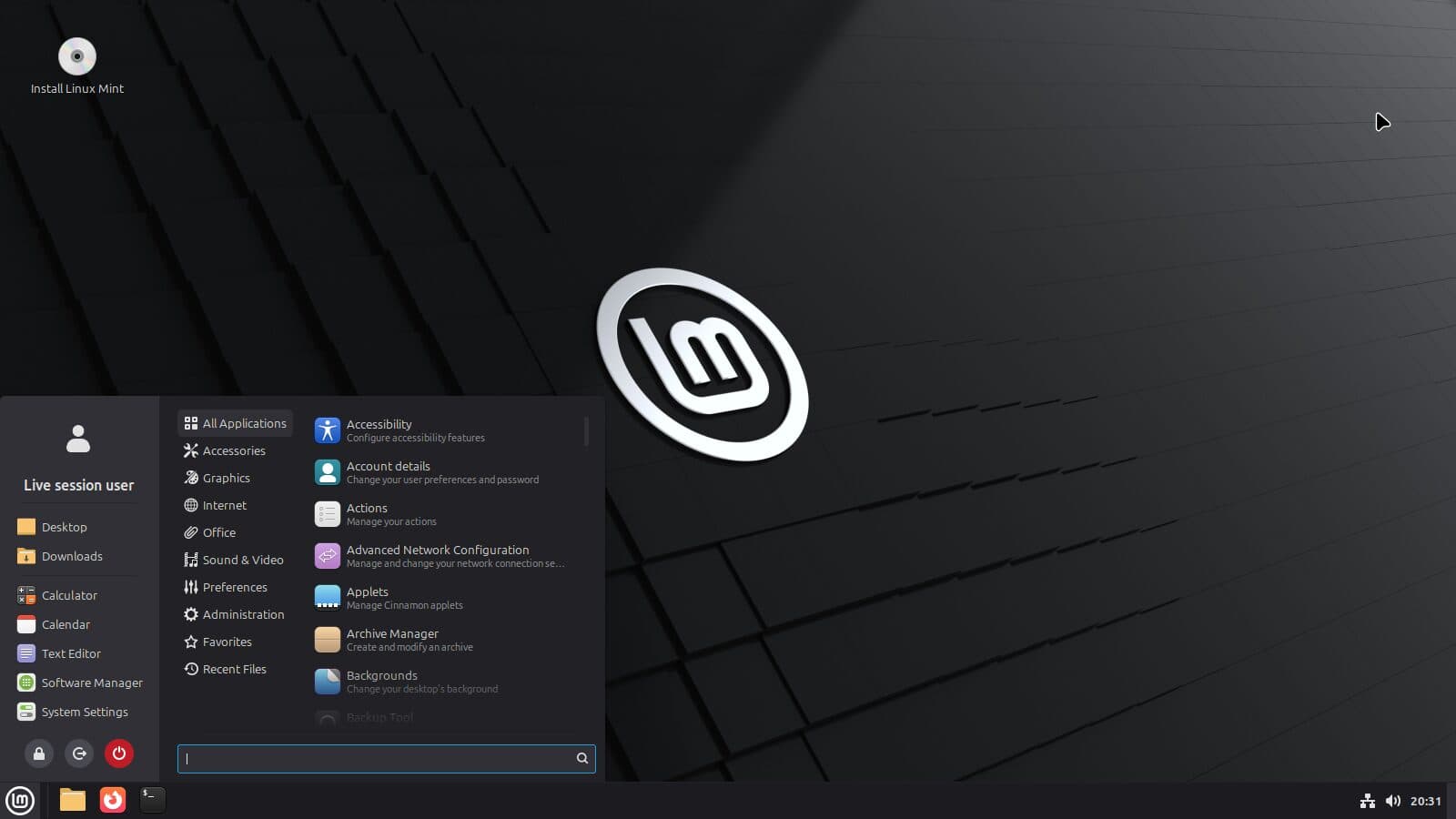
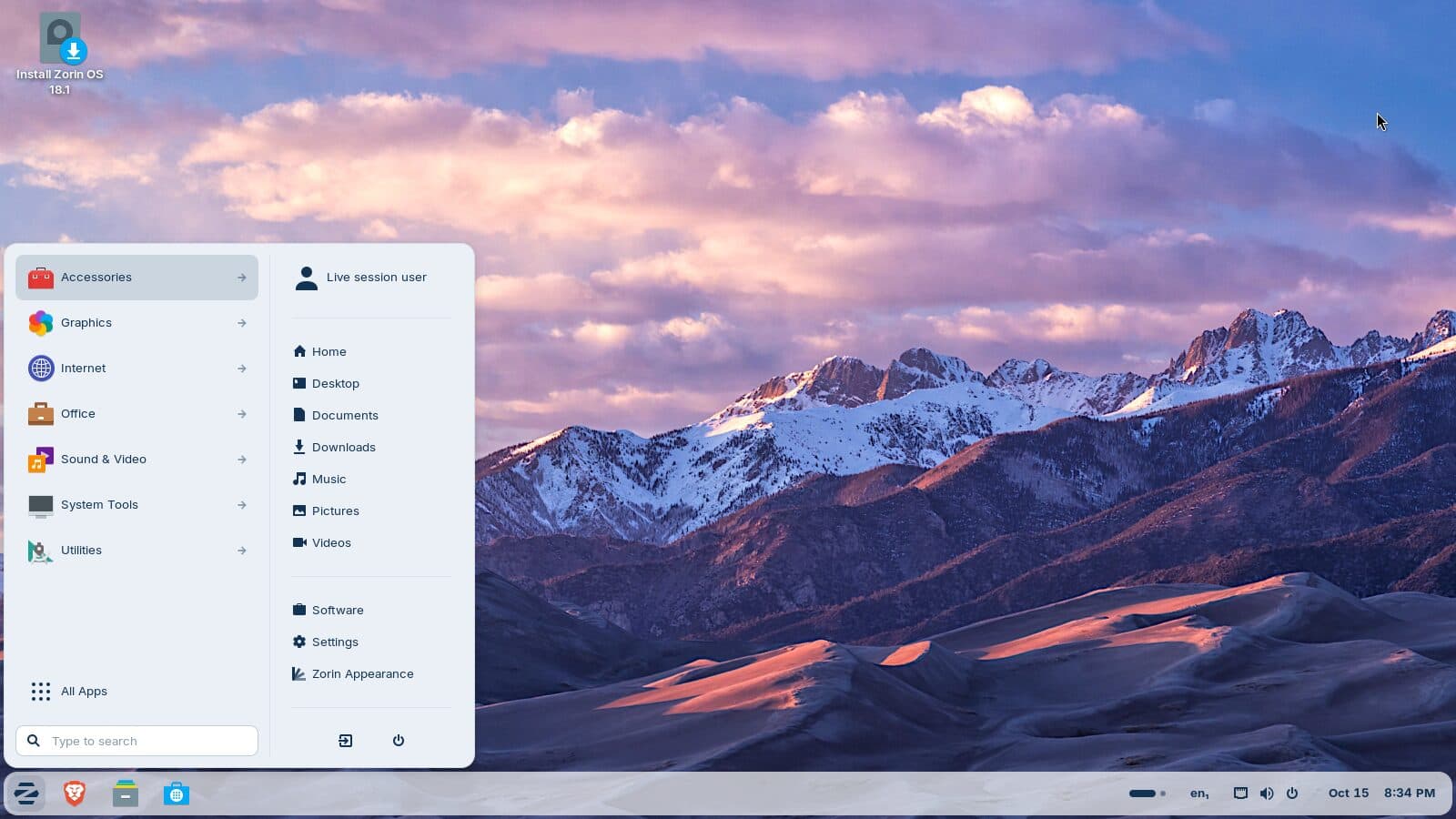
Real screenshots, taken from each one's official USB stick.
Windows 10 is done
A good computer shouldn't retire just because Windows 10 did.
- Microsoft support ended in October 2025.
- The paid security extension for home PCs ended October 13, 2026.
- Linux keeps it safe and updated, no new PC required.
Three quick questions
Mint or Zorin: which one fits you?
Answer all three and I'll suggest a starting point. Either one is a good choice, and we can try both from a USB stick first.
Choosing a distro
Popular distros, and who each one suits
All free. All can run from a USB stick first.
Top pick · Leaving Windows
The closest thing to classic Windows. Very little to relearn, and no ads or tracking.
Top pick · Polish & privacy
Familiar and modern, with the Brave browser built in. No ads, no account sign-in, no tracking.
Widest support
Most software makers test on it, and most how-tos cover it.
Modern & current
Recent software twice a year, sponsored by Red Hat.
Servers & set-and-forget
Changes slowly on purpose. Mint and Ubuntu build on it.
Tinkerers
What obsidian2 runs. Great if you enjoy the craft; not where most people start.
Quick check
Will my PC run it?
For Mint or Zorin, if you can tick these, you're in good shape.
64-bit processor
Nearly every PC sold since about 2010 has one.
4 GB of memory
Works fine. 8 GB is comfortable.
20 GB of storage
An SSD is the single biggest speed-up.
Made in the last 10–12 years
Including plenty of PCs that Windows 11 turned away.
Your Windows apps, on Linux
What you'll use instead
Your email, photos and documents come with you, and most everyday programs have a free match.
| On Windows | On Linux |
|---|---|
| Word, Excel, PowerPoint | OnlyOffice: looks and works most like Office, and opens and saves Office files. LibreOffice is only worth it for printing envelopesAlternative |
| Outlook | Thunderbird, or the Proton Mail desktop appAlternative |
| Chrome | Chrome, Firefox or BraveSame app |
| Photoshop | GIMPAlternative |
| Lightroom | darktableAlternative |
| iTunes | RhythmboxAlternative |
| Steam games | Steam, with Proton for Windows gamesSame app |
| Zoom | Zoom for LinuxSame app |
| Spotify | Spotify for LinuxSame app |
| Netflix | Netflix in Chrome or FirefoxIn the browser |
| VPN | Proton VPN or Mullvad, both with Linux appsSame app |
| Antivirus (Norton, McAfee) | Usually not needed. Far fewer viruses target Linux, and apps install from its own app store.Not needed |
Some things don't come along: certain tax software (the online versions work), Adobe's apps, desktop Microsoft Office (the web version works), and games with strict anti-cheat. Bring your list and I'll check it before you switch.
More than email and a browser
Calls, music and creative work
A Linux computer can be the center of the house: video calls with family, music on the good speakers, and your photos and projects, all without the tracking.
Video calls
- Zoom has an official Linux app
- Jitsi Meet runs right in the browser, no account needed
- Signal Desktop for private calls and messages, linked to your phone
- Most USB webcams and headsets plug in and work
Music & your stereo
- Spotify for Linux, plus Tidal and Qobuz in the browser
- Your own music library in Rhythmbox or Strawberry
- USB DACs and audio interfaces work without extra drivers
- Send sound to a real stereo instead of laptop speakers
Photos & creative work
- darktable for RAW photos, GIMP for retouching
- Kdenlive for home video, Audacity for recording
- OBS Studio for screen recording and streaming
- All free, with no subscription
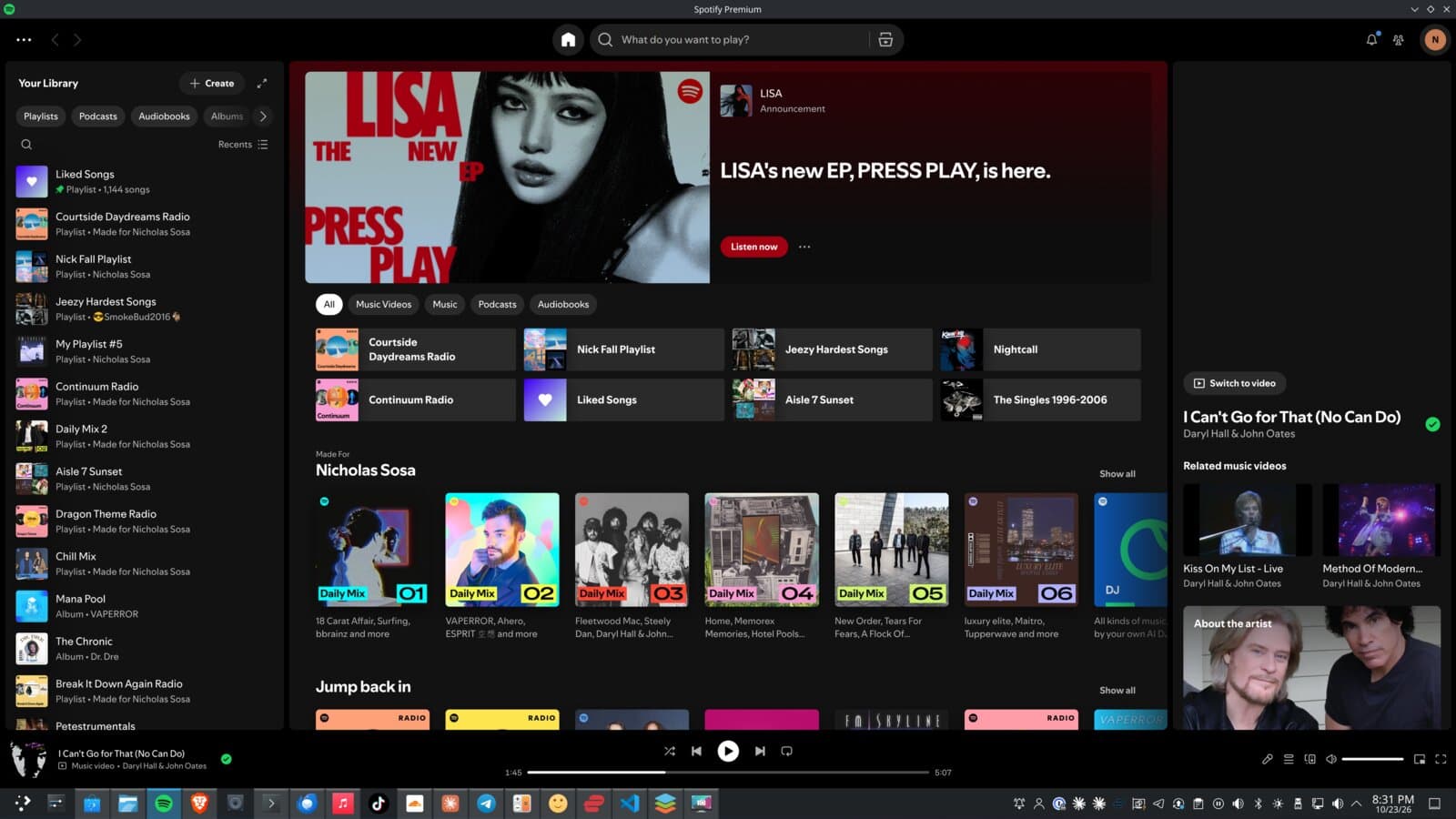
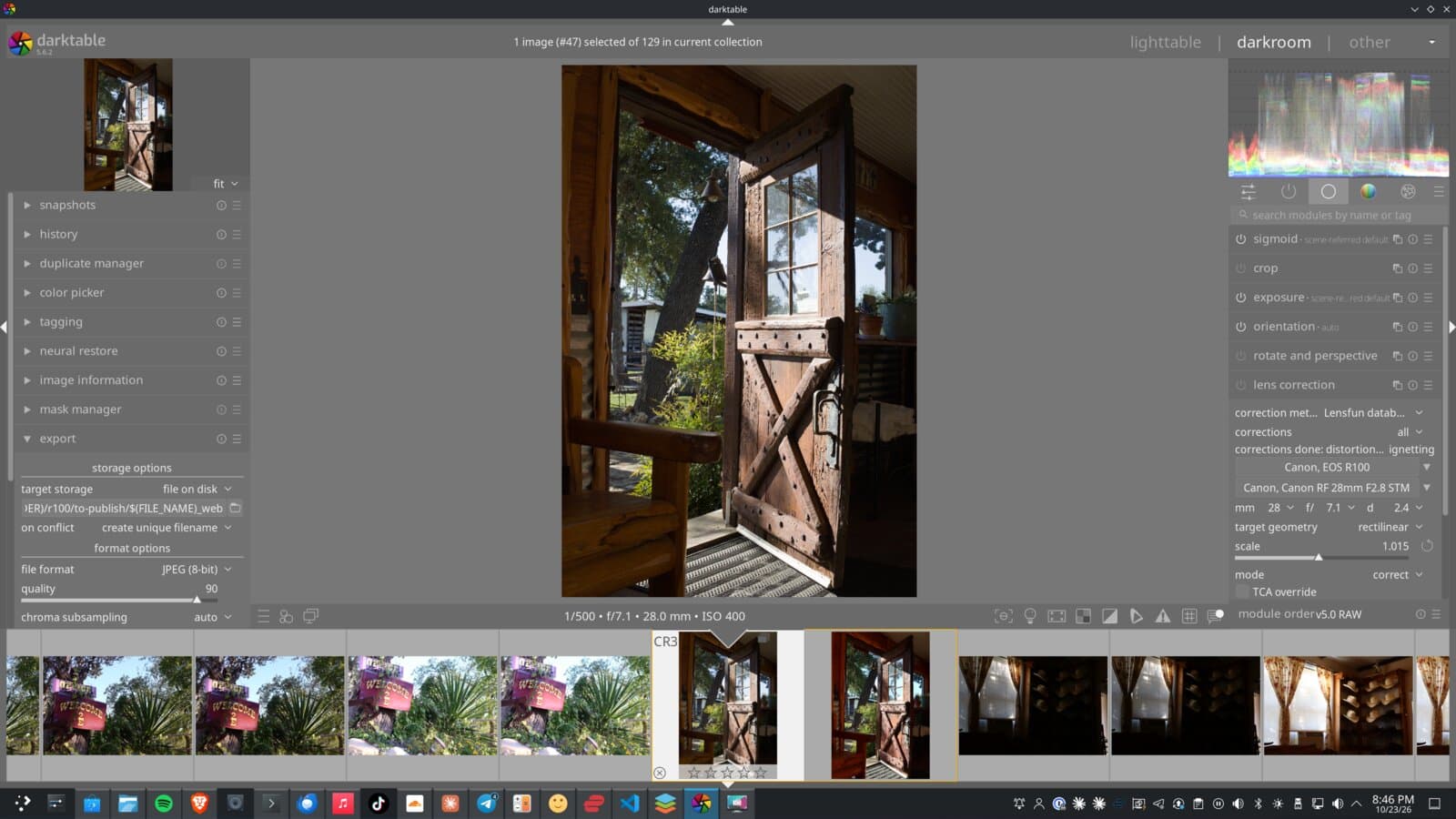
Privacy comes along too. Your VPN, Brave and Proton apps keep working, and I'll set up the call and music apps so they don't share more than they need to.
For home users
Switching at home, at your pace
Try it first
Run Linux from a USB stick on your own computer. Nothing changes until you say so.
Install & move your files
Files, photos and bookmarks come along. Nothing gets wiped until you've seen them on the new side.
Dual-boot
Keep Windows on the side for the one program you still need.
Printers, scanners & Wi-Fi
Set up and tested before I leave.
Set up your way
Your choice of browser, email, VPN and office apps. Then a tour of where everything lives and how updates work.
Ongoing help
One call, to someone who already knows your setup.
For small business & sysadmin
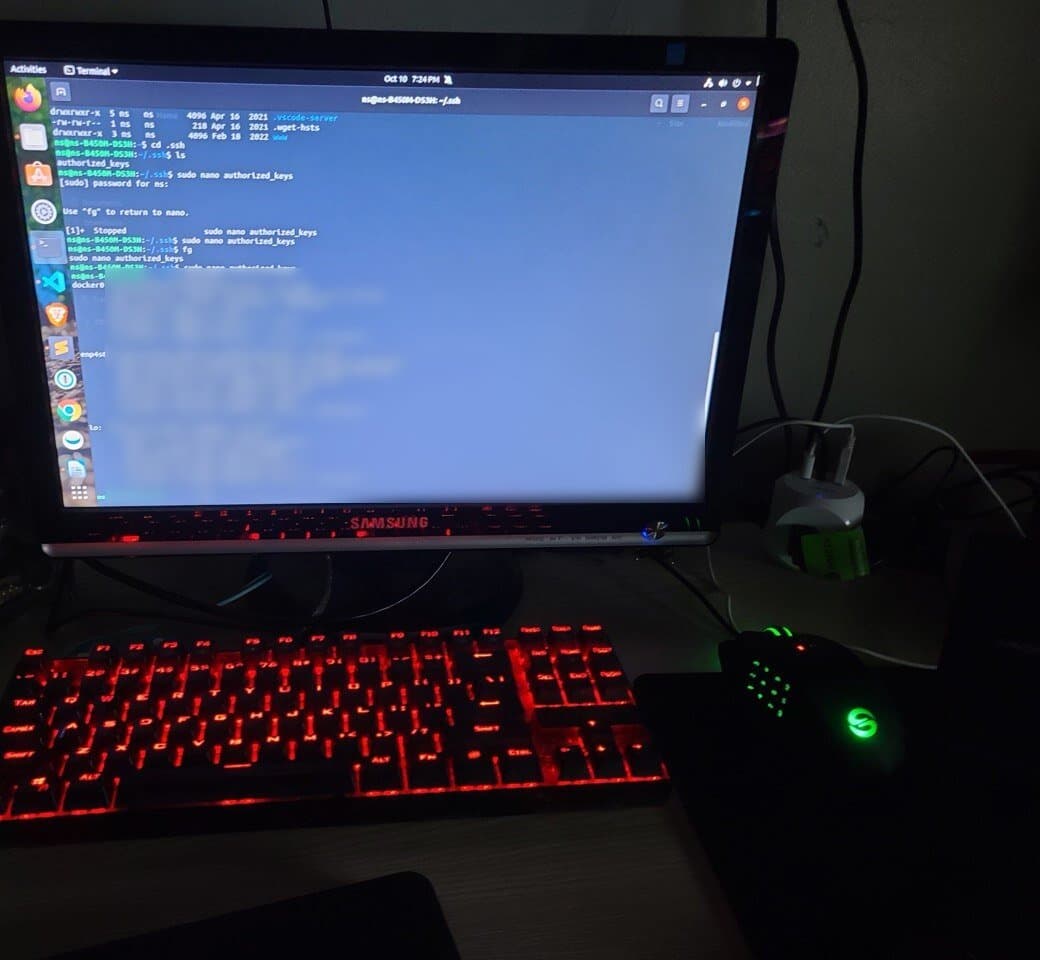
Servers set up right, and kept that way
Linux servers
Debian or Ubuntu LTS, set up cleanly and documented.
Tested backups
Encrypted, versioned, off-site, and test-restored.
SSH & hardening
Key-only logins, automatic updates, a tight firewall.
Network & VPN
Separate guest and camera networks; VPN instead of open ports.
Self-hosting
Nextcloud for files, Immich for photos, on hardware you own.
Monitoring
Alerts for disks, temps and backups, like the panel below.
Meet obsidian2
The machine I run my business on
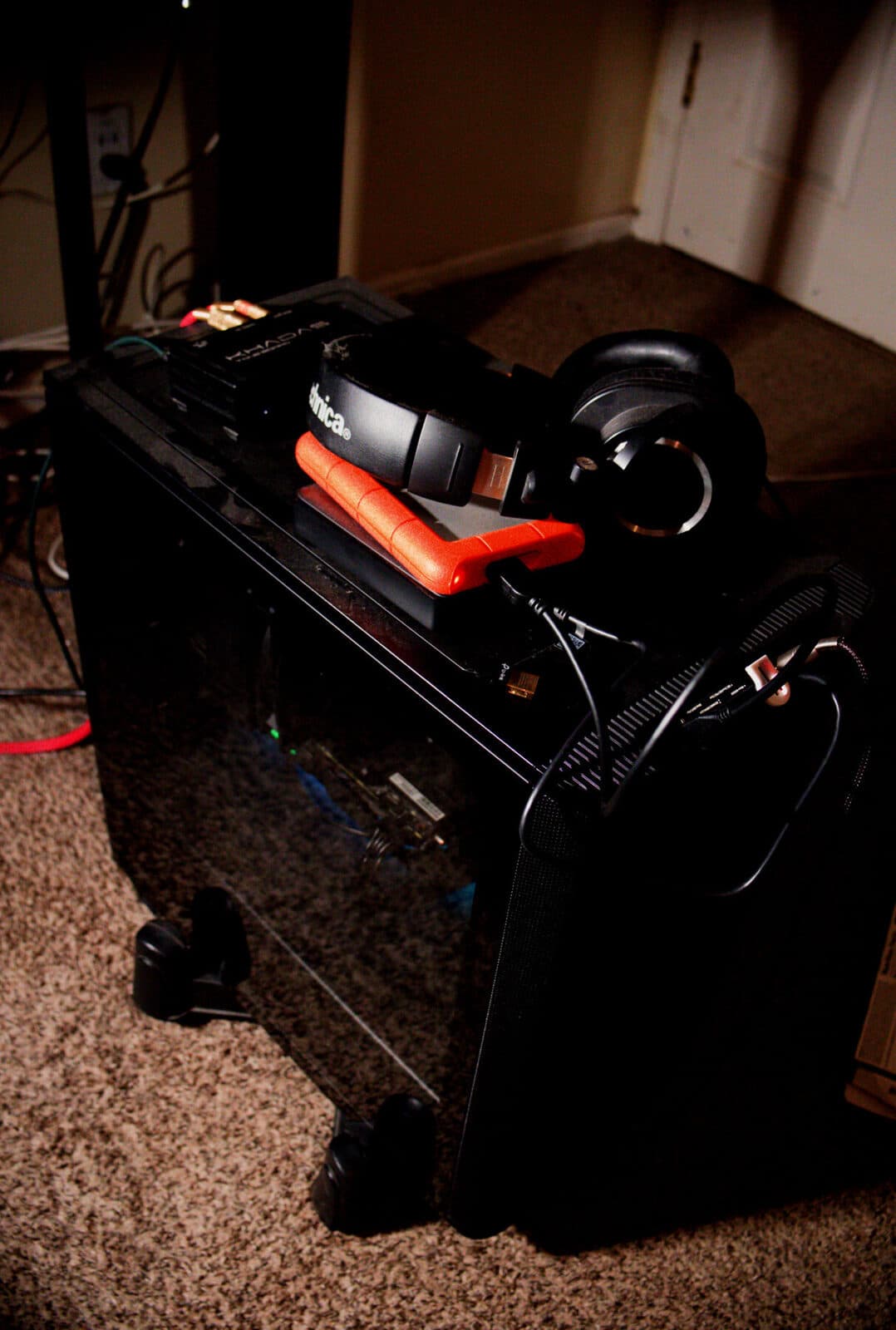
I built it myself, and it runs Linux every day: client websites, photo editing, and this whole business.
obsidian2 $ fastfetch
obsidian2
- OS
- Arch Linux x86_64
- Kernel
- 7.2.9-arch1-1
- DE
- KDE Plasma 6.7 (Wayland)
- CPU
- AMD Ryzen 5 8600G (12 threads)
- GPU
- NVIDIA GeForce RTX 2060
- iGPU
- AMD Radeon 760M
- Memory
- 32 GB DDR5 (30.4 GiB usable)
- Board
- ASRock B850 Steel Legend WiFi
- Shell
- bash 5.3
Curious? Try it on your own computer first.
I'll start Linux from a USB stick so you can look around before anything changes. Home visits use my standard rates; business and server work starts with a conversation.
Live from my desk
obsidian2, right now
Checking in…
Uptime
—
since the last restart
Load average
—
1, 5 and 15 minutes · 12 threads
Processor
—
Memory
—
System drive
—
System
—
These numbers come straight from the machine. It reports in every two minutes, and this panel refreshes on its own. If it says offline, it's most likely restarting after updates or powered down for a while.