1
MacBook Air
For most people, this is the laptop. Quiet, fast, light, great battery, and it does not turn into a mess after two years. Do not buy the Pro unless you actually run pro workloads.
Recommendations
Not affiliate bait. Not a top-10 gadget list. This is the stuff I either use myself, set up for clients, or trust enough to put in someone's house.
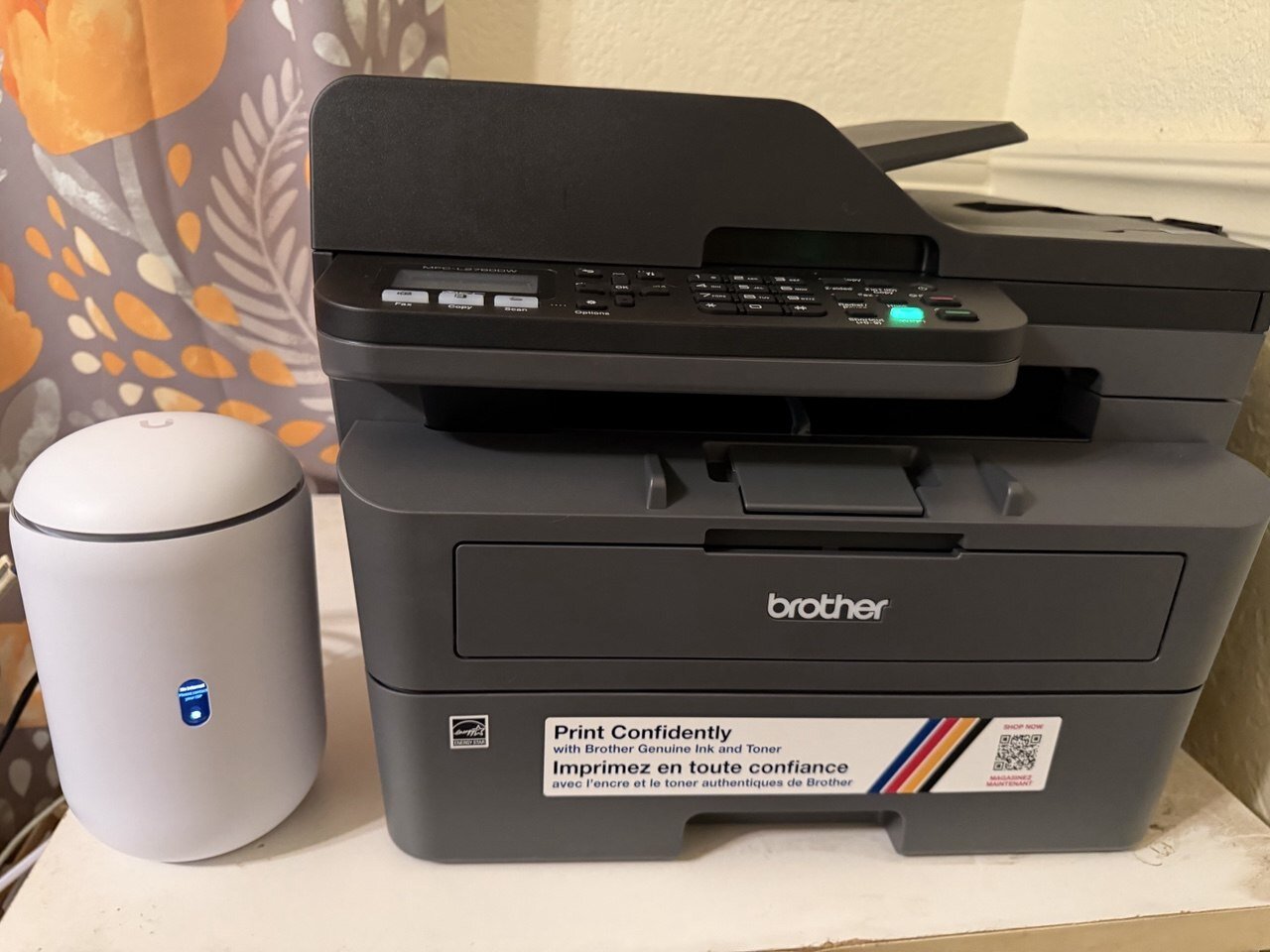
MacBook Air, iPhone Pro, UniFi Dream Router 7, Brother laser, 1Password, external SSD plus cloud backup, a 32-inch 4K monitor, and a small UPS. That covers most normal homes and small offices.
For most people, this is the laptop. Quiet, fast, light, great battery, and it does not turn into a mess after two years. Do not buy the Pro unless you actually run pro workloads.
The Pro is the sweet spot. Same serious camera, easier to carry. The Pro Max mostly buys you screen and battery. If Android is your lane, Samsung Galaxy is the one I would look at first.
This is what I run: real networking gear, Wi-Fi 7, proper controls, and enough room to set things up right. Eero is fine if you want simple. UniFi is what I use when I want the network to behave.
Boring in the best way. No dried-up ink, no cartridge drama, no mystery subscription nonsense. If you print normal documents, buy a Brother laser and stop thinking about printers.
A real password manager is one of the biggest upgrades you can make. Strong unique passwords, passkeys, two-factor codes, and no more reusing the same login everywhere. Bitwarden is the budget-friendly backup pick.
iCloud is useful, but sync is not the same thing as backup. I like a local SSD plus an automatic off-site copy. For serious setups, encrypt it before it leaves your machine.
The sweet spot for a desk. Big enough to breathe, sharp enough that you can scale text up and still have it look clean.
Hill Country power flickers. A little battery backup protects the computer, router, and drive from brownouts and gives you time to shut things down cleanly.
My first pick for most people. Fast, private, and blocks a lot of junk by default.
Best if you live on Apple devices and want everything to feel native.
Use it if your work runs on Microsoft 365, Teams, or Copilot. It fits that world better than anything else.
Plays almost anything. Free, boring, perfect.
For writing, explaining, planning, and thinking through problems, Claude is the AI assistant I use most. Pro is enough for normal people; Max is for when you live in it.
If you live in Outlook, Word, or Excel, it is worth paying for. If you just need basic documents, Google Docs or LibreOffice is fine. Pay for it because you use it, not because you forgot to cancel it.
McAfee, Norton, all that stuff. Usually more noise than help. Modern Mac and Windows security is good if updates are on and you do not click every shiny button.
CCleaner, MacKeeper, speed-up apps. No. If the machine is slow, diagnose the real reason.
They look cheap until the ink dries out or costs more than the printer. Most people are happier with a Brother laser.
A MacBook Pro, giant phone, or monster desktop is great if you need it. Most people do not. Buy the machine for the job, not the fantasy version of the job.
That's the whole job. I'll tell you what is worth buying, what to skip, and how to make it all work together.